

How To Turn Old Electronics Into Grocery Money At Costco
The electronic trade-in market is as hot as ever, with every major retailer from Best Buy to Target to Amazon getting in on the action, as well as numerous websites devoted to helping you cash out. But would it surprise you to learn that, in addition to its many perks that come with membership, Costco actually lets you turn your old electronics into grocery money? It's called the Costco Trade-In Program, and you can earn over $2,500 in Costco Shop Card credit (basically a Costco gift card) to spend on its ever-popular (and ever-affordable) rotisserie chickens or luxurious Tuxedo Chocolate Mousse Cake.
And Costco has made the process as straightforward and painless as possible, too, as you can complete the initial step totally online (the warehouse chain has partnered with Phobio for this service). Simply visit this dedicated website, where you'll enter some information like what type of device you're trading in and what condition it's in. Then, you'll receive your offer, and if you like it, the application will ask for some personal information, before giving you instructions on how to ready your device for shipment.
You can print your own pre-paid shipping label and box the device up yourself, or wait and have Costco send you a box and label. Then, drop it off at the applicable shipping carrier, and wait patiently while it arrives at its destination and undergoes inspection. If everything is right and tight, you can expect your Shop card up to five days after it's inspected. Once it arrives, use it in stores or online at Costo.com.
A few things to note about the Costco Trade-In Program
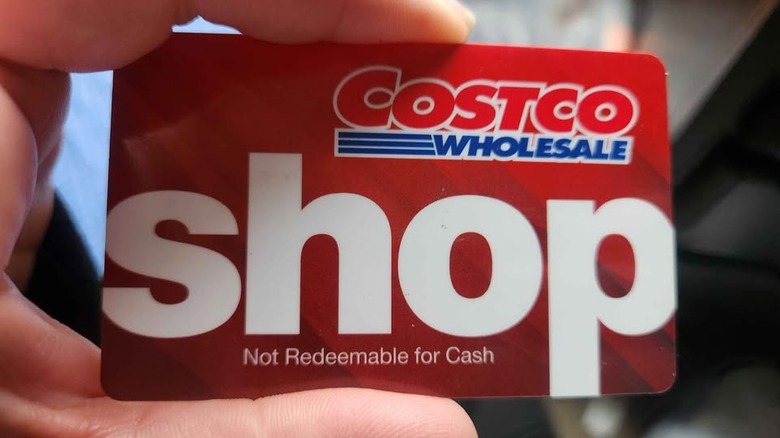
There are a few things you should know before you start the trade-in process with Costco's program. First up, it's important to note that you might get offered less than your initial quote after you send the device in and it's inspected. The inspection might turn up issues you didn't notice — in which case, Phobio will reach out and let you know the amount has been reduced. If you don't want to proceed with the process any longer, you can inform Phobio, and it will send you your device back through the mail. While Costco does put its name on the program, it's essentially run by Phobio, so if you have issues, you'll be dealing with Phobio's customer service, not Costco's.
Secondly, Costco doesn't actually send out physical Shop cards. Instead, you'll receive a digital version through your email. Then, you can either print out the Shop card information to use at the cash registers or add it to your Costco Wallet in the Costco app. If you opt for the latter, you'll want to be sure you enable the Shop card's funds before you attempt to use it at checkout.
Finally, it's common knowledge that a Shop card can be used by non-members to make purchases, so you don't have to be a Costco member to take advantage of the trade-in program. However, the digital Shop card cannot be used to make food court kiosk or gas purchases (though you can buy a physical card in-store using your digital card).